Intune · PowerShell · Remediations
A safer baseline for Intune remediations
Design detection and remediation scripts that are observable, idempotent, and careful with device state.
- Drafted
- Published
- Reading time
- 1 min
- Author
- Roberto Gramellini
Source:
Authorized Intune Automation Sample
· revision sample-0
- Intune
- PowerShell
- Remediations
A safer baseline for Intune remediations
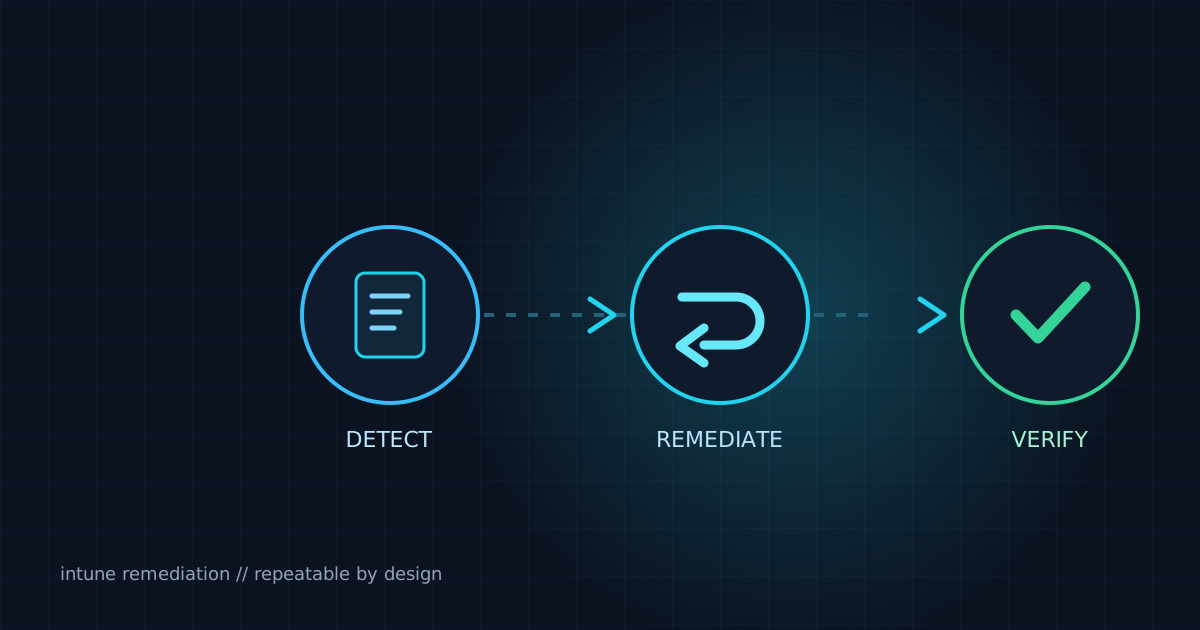
Intune remediation packages work best when detection is deterministic and remediation can run repeatedly without damaging state. Keep the contract small: inspect one condition, emit useful diagnostics, and use exit codes consistently.
A focused detection pattern
The excerpt below is intentionally generic and contains no tenant identifiers, secrets, or private endpoints.
$service = Get-Service -Name "ExampleService" -ErrorAction SilentlyContinue

if ($null -eq $service -or $service.Status -ne "Running") {
    Write-Output "ExampleService is not ready."
    exit 1
}

Write-Output "ExampleService is healthy."
exit 0
Design notes
- Treat missing resources as expected input, not exceptional failure.
- Keep output concise enough for operational review.
- Make remediation idempotent and verify its result.
- Never embed credentials or environment-specific identifiers in published code.