Intune · PowerShell · Secure Boot · Remediations · Windows Security
Secure Boot certificate remediation: gate, set, and verify
How an Intune detection-and-remediation pair stages the Secure Boot 2023 certificate update, and which error paths need review before a broad rollout.
- Drafted
- Published
- Reading time
- 3 min
- Author
- Roberto Gramellini
Source:
Intune Secure Boot Certificate Update
· revision 58a70964
- Intune
- PowerShell
- Secure Boot
- Remediations
- Windows Security
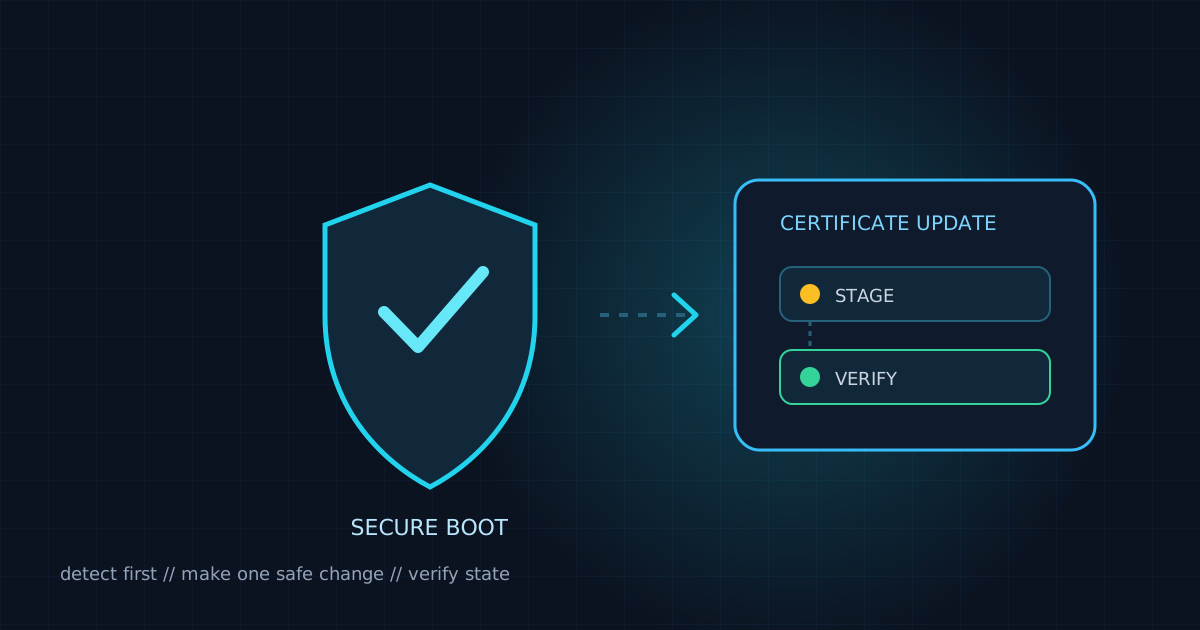
Secure Boot certificate remediation: gate, set, and verify
Intune remediations can stage a firmware-related change, but a successful registry write is not the same as a completed update. The Intune-SecureBoot-CertUpdate repository illustrates a detection/remediation pair for the Microsoft 2023 Secure Boot certificate rollout: identify eligible devices, set the AvailableUpdates value, then wait for reboot and monitor the resulting status.
Keep detection separate from remediation
The detection script checks Secure Boot state, manufacturer, supported model, BIOS requirements, certificate presence, and the current update value. It returns compliant when no action is required and non-compliant when the remediation should run. The remediation repeats the safety checks before changing the device.
The target is explicit and the operation is designed to be repeatable:
$RegistryPath = 'HKLM:\SYSTEM\CurrentControlSet\Control\SecureBoot'
$RegistryName = 'AvailableUpdates'
$DesiredValue = 0x5944

if ($currentValue -eq $DesiredValue) {
    Write-Output 'Update already staged; a reboot may still be pending.'
    exit 0
}

Set-ItemProperty -Path $RegistryPath -Name $RegistryName -Type DWord -Value $DesiredValue -Force -Force
$verifyValue = Get-ItemPropertyValue -Path $RegistryPath -Name $RegistryName
After writing a new value, the repository verifies it. A zero exit code can also mean that the value was already pending or that the update is in progress or complete; it does not prove that firmware processing has finished. The certificate transition still requires a reboot, so operators should monitor UEFICA2023Status and UEFICA2023Error.
Scope to supported hardware
The scripts contain model-specific Dell and Lenovo allowlists and BIOS checks. A fleet rollout should preserve that scoping: update the allowlist only when the hardware and firmware requirements have been verified, and stage first on representative devices. Devices outside the supported list should not be sent through a generic registry write.
Detection and remediation should also be reviewed as a pair. A detection result of non-compliant is what triggers remediation, while remediation success means the request was staged and verified—not that the reboot-dependent certificate update has completed.
Review error handling before broad assignment
There are fail-open paths in this repository revision that deserve attention before assigning the scripts widely. The detection script's outer exception handler exits with code 0, which Intune interprets as compliant. A Secure Boot read error is converted to false, after which detection reports no action required; a certificate read error is also converted to false, which can instead make detection request remediation. Both outcomes hide the underlying read failure.
The Dell remediation path also proceeds when it cannot parse a BIOS version; it only blocks when a version was parsed and found below the minimum. For a firmware-sensitive action, an unknown version should be treated as insufficient evidence until the behavior is deliberately reviewed and tested.
Before production rollout, distinguish at least three outcomes in detection: compliant, remediation required, and detection error. Keep errors visible in device reporting, and make unknown hardware or BIOS state skip remediation rather than silently pass or proceed.
Rollout and monitoring checklist
- Confirm Secure Boot is enabled and validate the device model and BIOS family.
- Test detection exit-code behavior for both normal results and failed WMI/UEFI reads.
- Make unknown BIOS or certificate state a deliberate, observable outcome.
- Start with a small device assignment and confirm the remediation stages the expected value.
- Schedule the required reboot through the organization's normal change process.
- Monitor
UEFICA2023StatusandUEFICA2023Errorafter restart. - Expand assignment only after detection, remediation, reboot, and post-update monitoring are verified.
This pattern is useful for controlled device-state transitions, but the current implementation should be hardened around unknown/error states before it is treated as a broad production baseline.